The Hollow Crown
A downloadable game for Windows
THE HOLLOW CROWN
Act 1 Demo: The Sunken Crypt
Twelve years ago, the Lantern Order died holding a door.
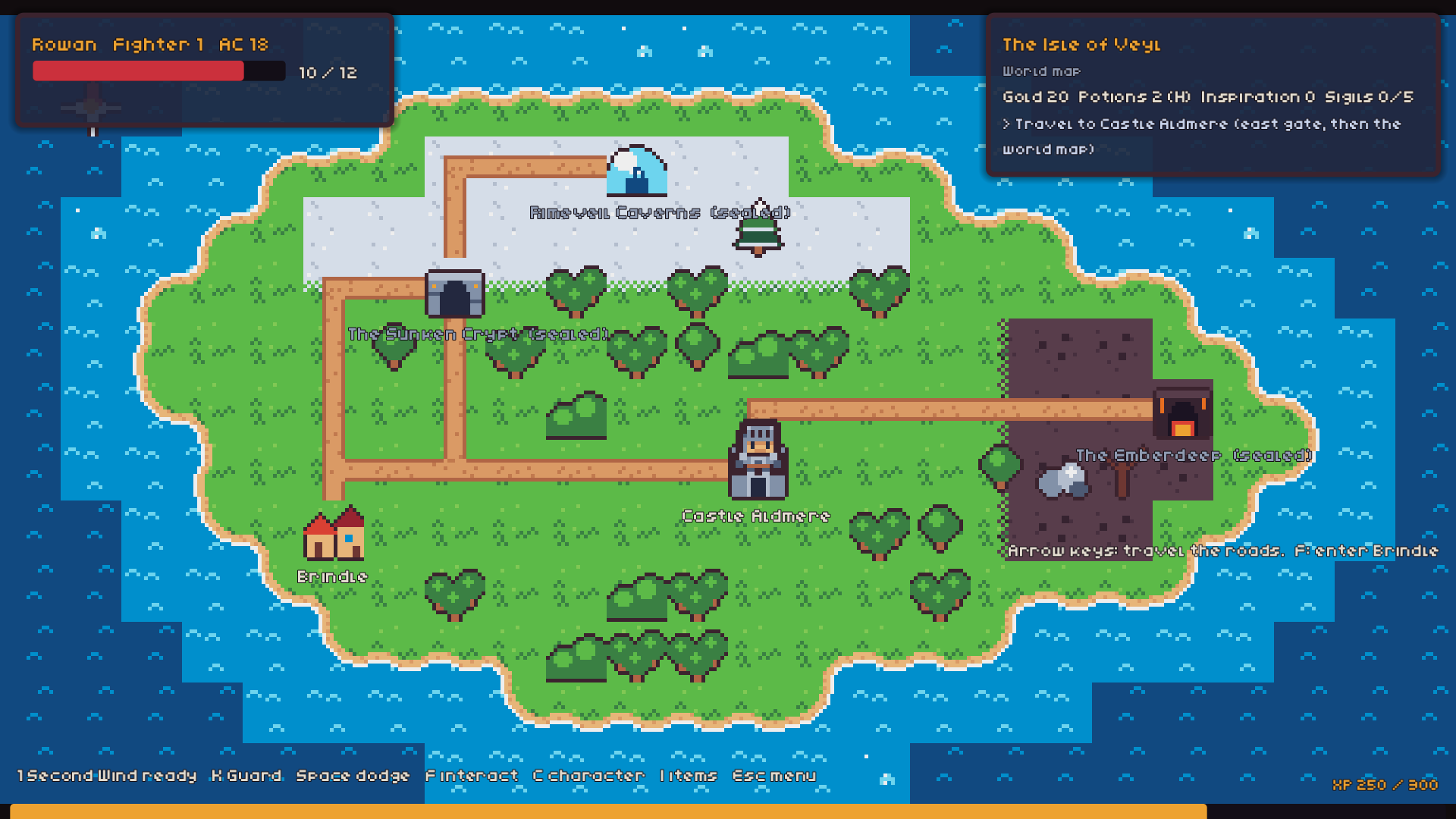
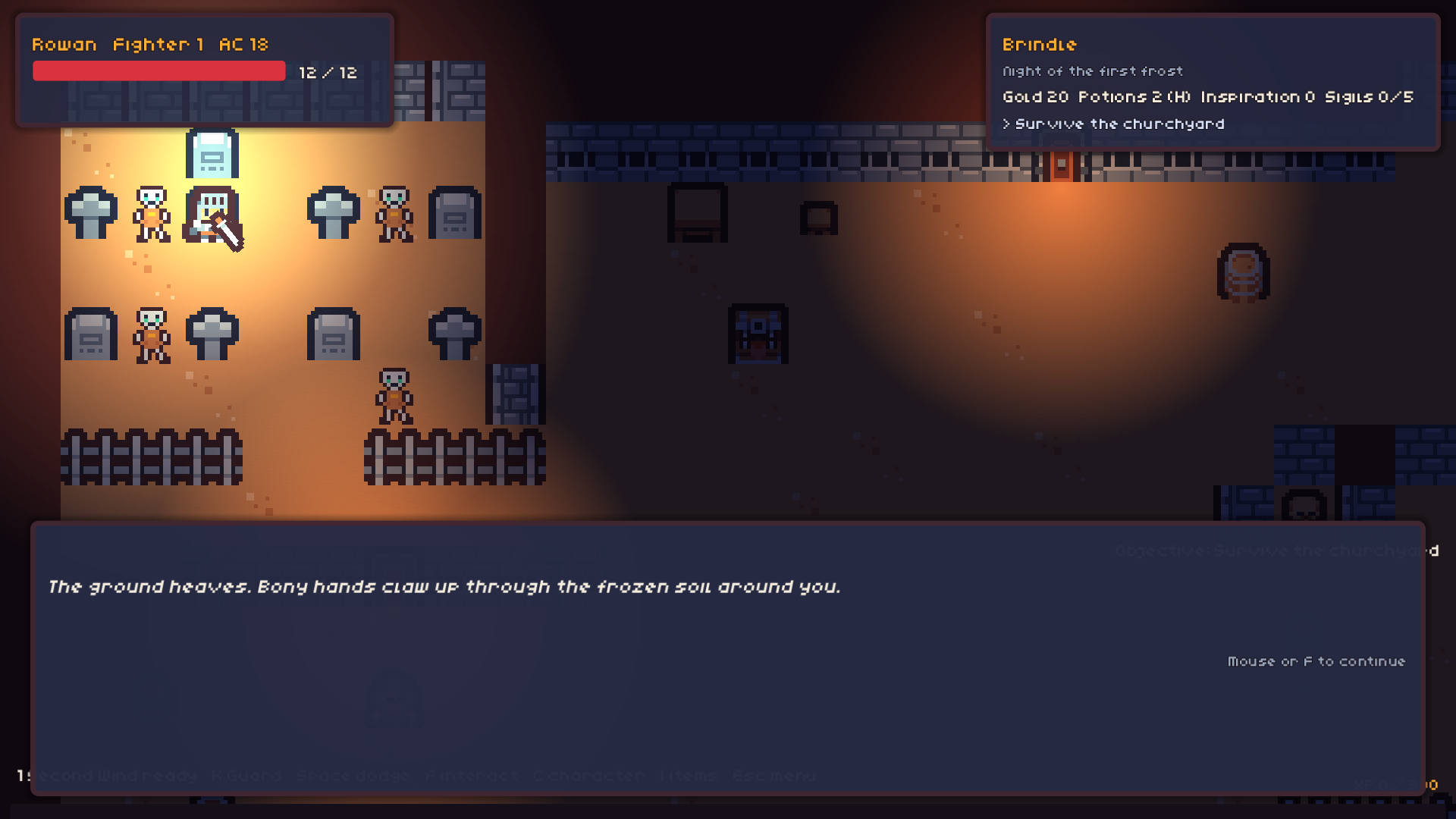
You are Rowan Ashby, the last squire of that fallen order, now a gravedigger in the frost-bitten village of Brindle. Tonight your old master’s grave lies cracked open, and the dead are climbing out of the churchyard.
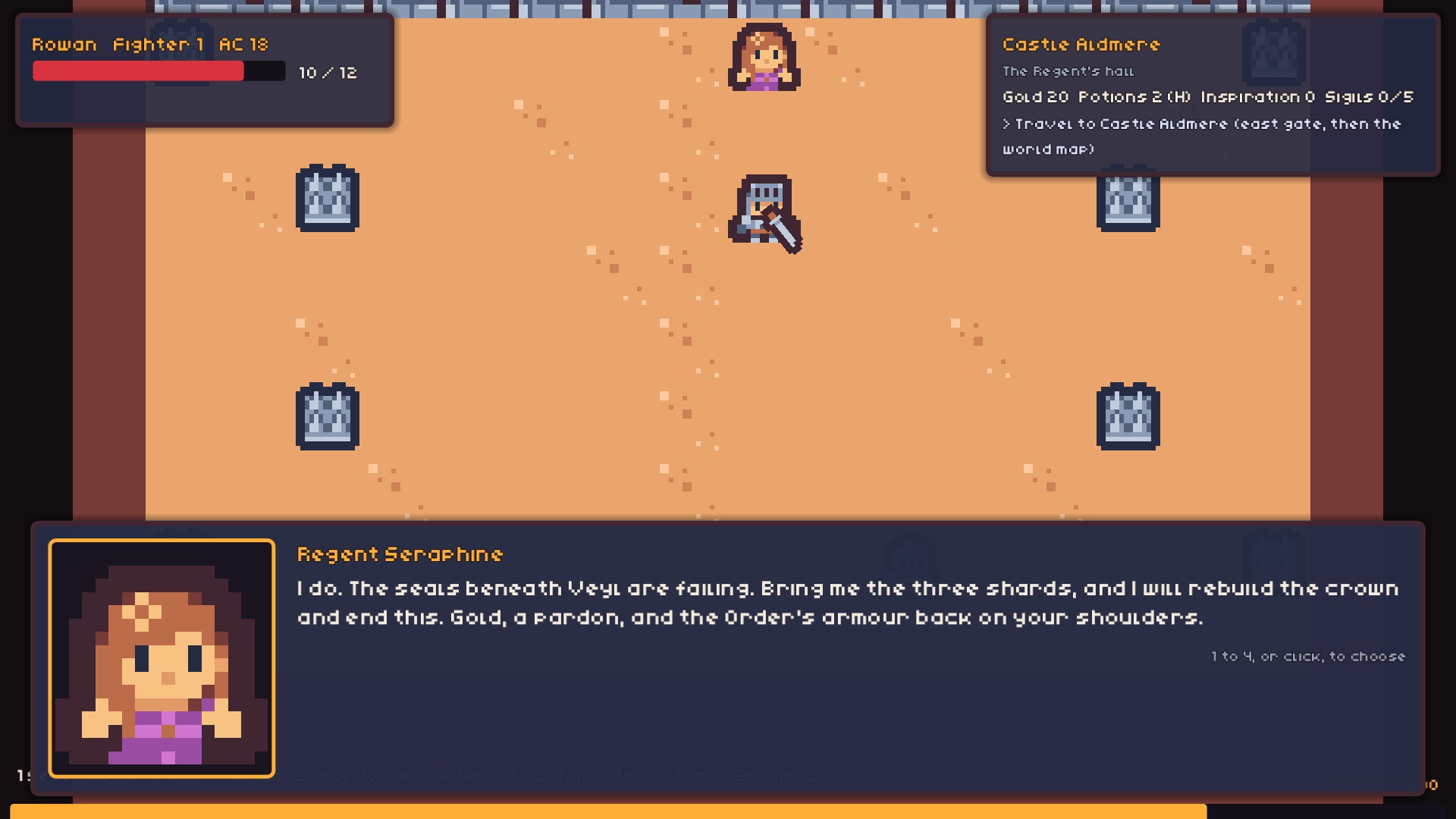
By dawn a royal herald is at the gate. The Regent wants you at Castle Aldmere. The seals beneath the kingdom are failing, and only the Lantern’s oath can mend them. She has a quest, a pardon, and a great many answers she would rather you didn’t ask for.
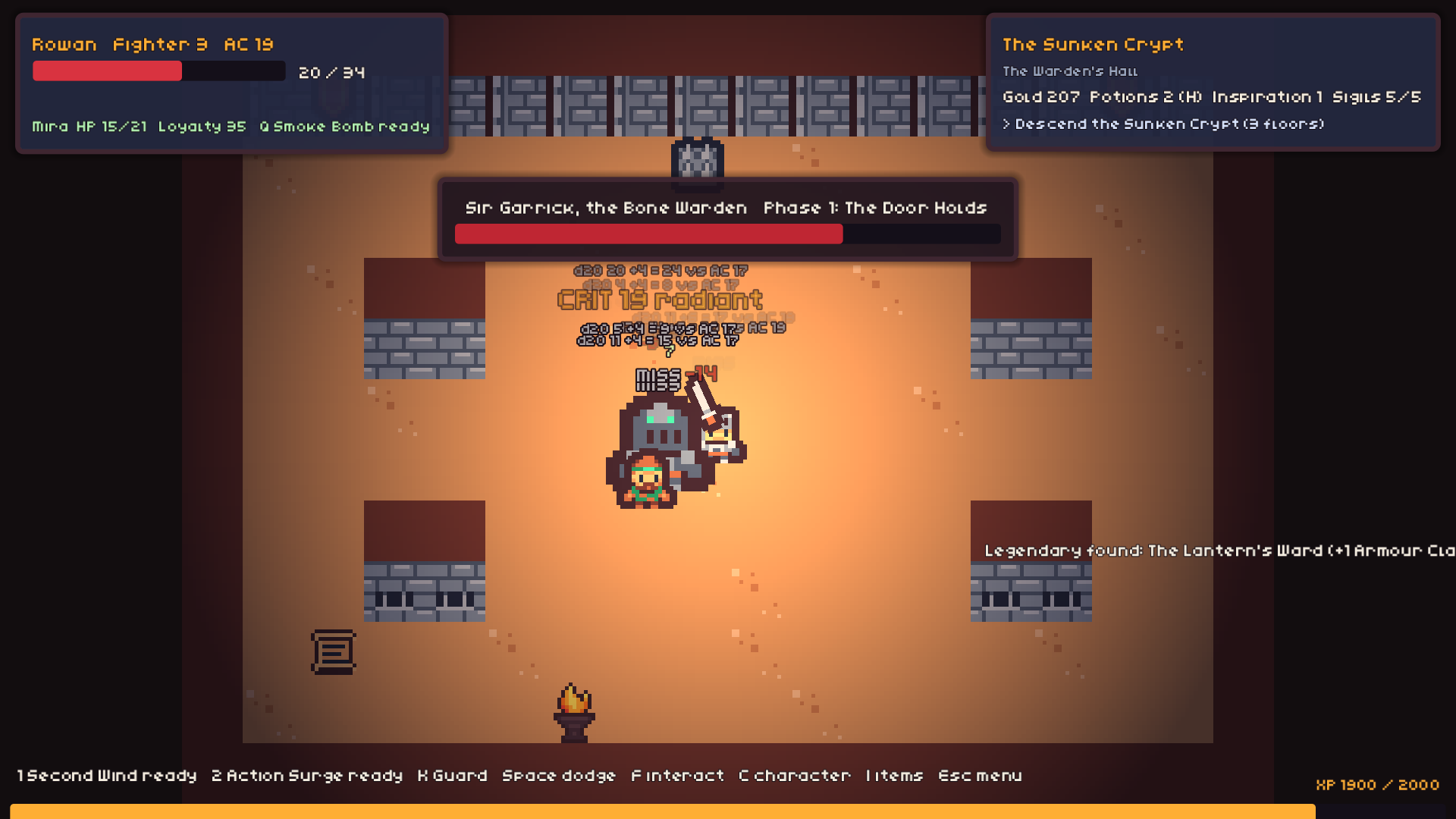
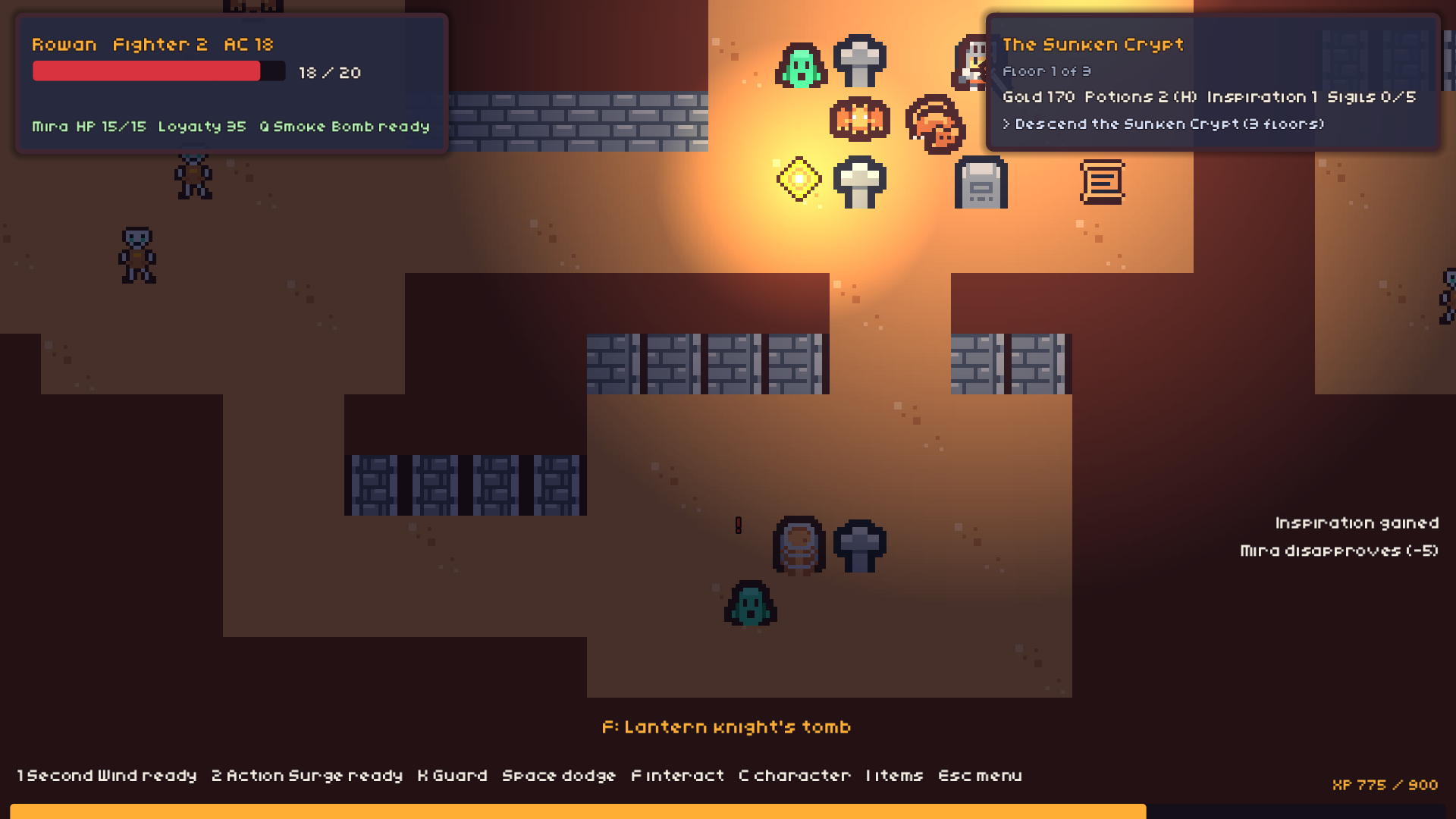
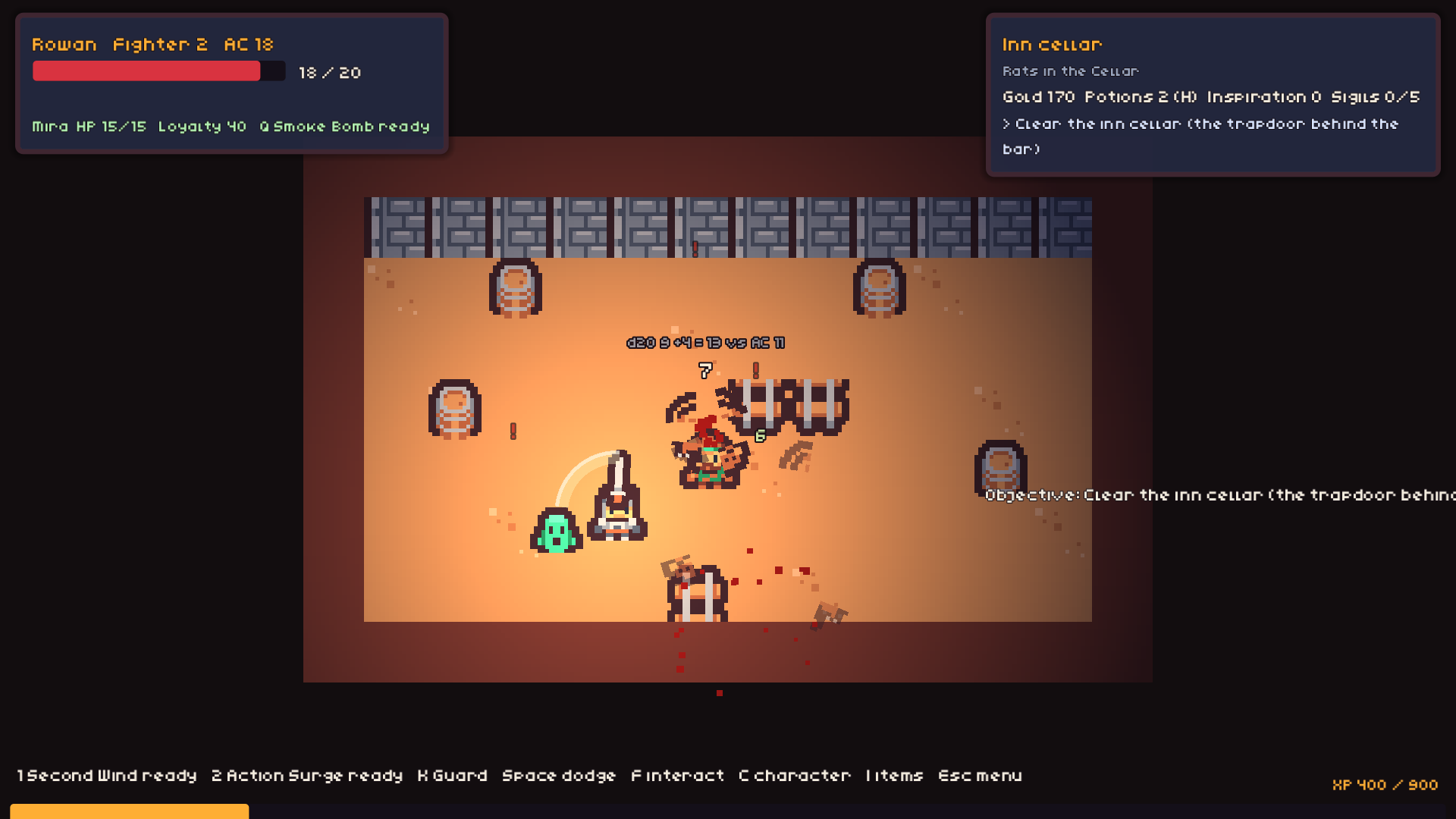
Descend into the Sunken Crypt, recover the first shard of the Crown, and find out what really happened the night the Order fell.
Download
Install instructions
Thanks for downloading The Hollow Crown (Act 1 Demo)!
How to install and run
- Right-click HollowCrown_Demo_v0.1.zip and choose "Extract All...". Don't run the game from inside the zip.
- Open the extracted folder and double-click HollowCrownDemo.exe.
- If Windows shows "Windows protected your PC", click "More info", then "Run anyway". This appears because the game isn't code-signed. It's safe to run.
- No installer is needed, and you don't need to install any other programs or libraries.
Requirements
- Windows 10 or 11 (64-bit)
- A graphics card that supports DirectX 12 or Vulkan (most cards from 2016 or later)
- About 140 MB of disk space
- Keyboard and mouse, or an Xbox-style controller (optional)
Saves and settings
- Your save is stored automatically at:
%APPDATA%\Godot\app_userdata\The Hollow Crown (Demo)
- To uninstall, delete the game folder.
- Delete the folder above as well if you want to remove your save.
Tips
- Press F11 to toggle fullscreen.
- Campfires heal you and save your progress.
- README_TESTERS.txt in the download lists all the controls.
Feedback
This is an early demo, and your feedback shapes the full game. Leave a comment below. Bug reports, what felt unfair and what you loved are all welcome.
The game keeps a log of your run (areas, choices, dice rolls, deaths). In the pause menu or on the ending screen, click "Open my playtest log", then open playtest_log.csv in Notepad and paste it into your comment. The log contains game events only, no personal data.
Feedback
- Post all feedback, bug reports and playtest logs on the discussion board:
https://rasterzero.itch.io/the-hollow-crown/community
- A log of your playthrough is saved as playtest_log.csv. Click "Open my playtest log" in the pause menu or on the ending screen to find it.
- Open it in Notepad, copy everything, and paste it into your post.
- It contains game events only, no personal data.